

Chambers Mark L. Скачать все книги 2 Количество книг



Жанр в блоке книги Компьютерное Железо
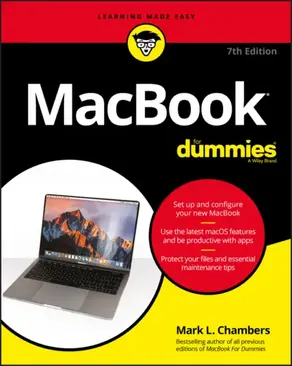
Get the most out of your MacBook Your new MacBook is sleek and powerful, and this down-to-earth guide makes it easier than ever to navigate, personalize, and maximize what it can help you accomplish. From taking it out of the box and turning it on for the first time to file storage and security, to downloading apps and working with iCloud, MacBook For Dummies helps you discover—all in one place—everything your laptop can do. Ultra-light, ultra-fast, and ultra-powerful, the MacBook is the coolest laptop around, and longtime Mac guru Mark L. Chambers is just the guy you want showing you the ropes. Inside, he shows you how to navigate the Mac desktop, customize your settings, surf the web and set up email, hook into a network, transfer your important documents from another PC or Mac, and troubleshoot with ease. You'll also get the inside scoop on the fun stuff like FaceTime video calling, Messages, Reminders, photos, videos, music, the Mac App Store, and more. Explore the new OS X Be productive with Keynote and Pages Get creative with Photos and iMovie Find tips for maintenance and security Whether you're a PC convert or a seasoned Apple enthusiast, this book helps you get the most of your magnificent MacBook!
Жанр в блоке книги Компьютерное Железо
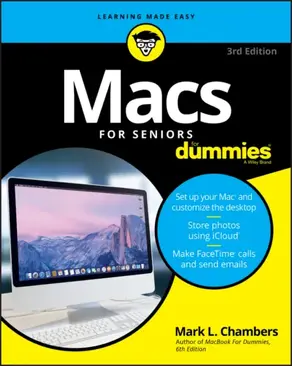
Your ticket to entering the exciting world of Macs! If you've always thought computers were too complicated and intimidating, you're in for a pleasant surprise! Written and designed with your unique needs in mind, Macs For Seniors For Dummies makes it faster and easier than ever to experience all your Apple computer has to offer. In no time, you'll find out how to stay connected with family and friends, explore the Internet, create and print documents, watch your favorite movies, get apps from the App Store, and so much more. From advice on which Mac you should buy to getting started with set up and configurations, this hands-on, accessible guide covers everything needed to help you make the most of your new computer. You'll learn how to customize OS X El Capitan, work with files and folders, connect to a printer, use Safari to browse the web, and keep in touch through social media—and that's just the tip of the iceberg. Set up your Mac and move around the desktop Make FaceTime calls and send emails Store photos and files using iCloud Play videos, music, and games With the help of Macs For Seniors For Dummies, you'll soon discover that you don't have to be a millennial to make a Mac your minion!

6 Количество книг
2 Количество книг
2 Количество книг
